The Grocery Budget App
That Pays for Itself
Know exactly what you're spending before you hit the register.


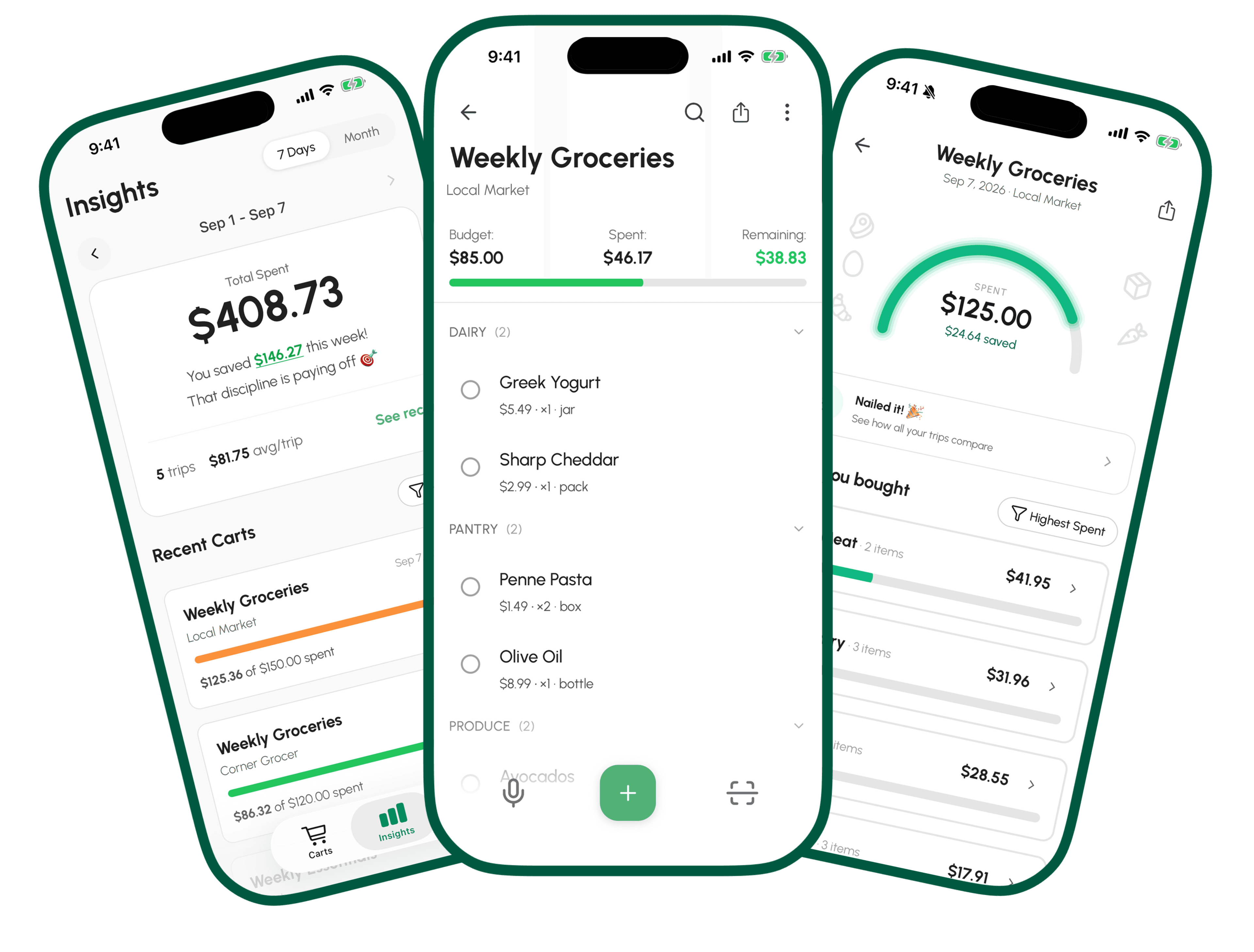
Everything You Need to Stay on Budget
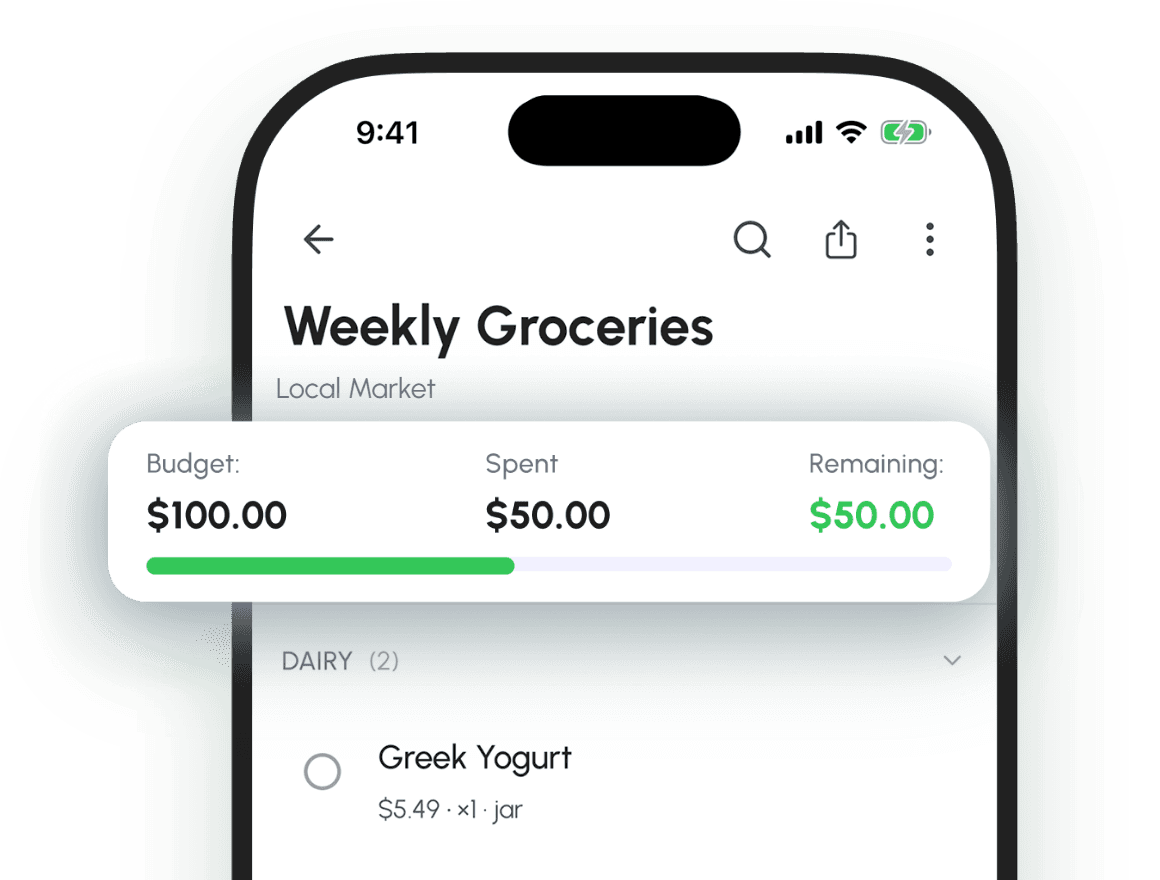
Smart Shopping Lists
Check off items as you go and watch your running total update in real time. Get warned before you go over, so there are no surprises at checkout.
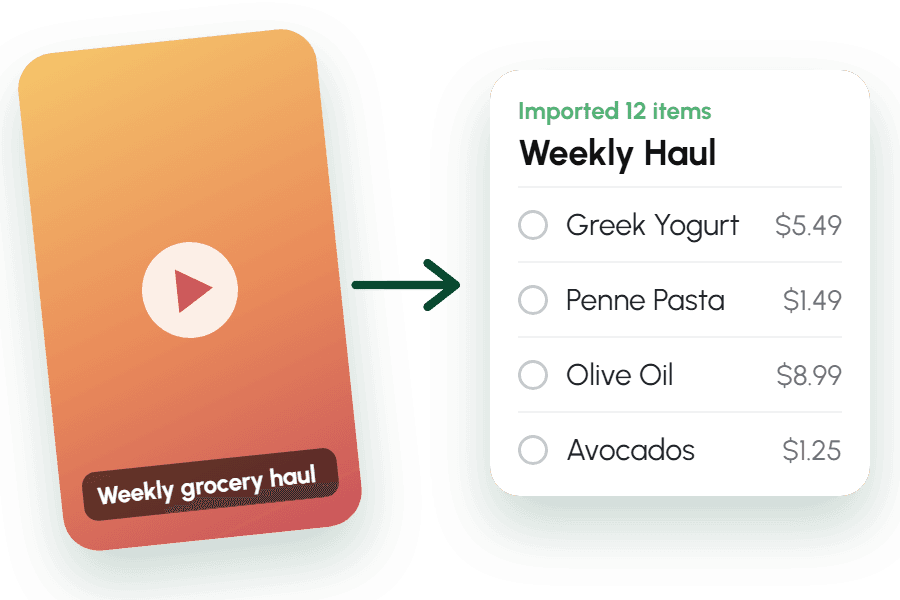
Import a Haul
NewShare a TikTok, Instagram or Facebook post and get a cart with the items, plus prices when the post shows them. 3 free imports. iPhone first.
Share a List, Not a Note
Send a link and it opens straight into a full, organized cart on their phone. No retyping. Free for everyone.
Smart Add
Add items by voice, free and unlimited, or scan a shelf label with the AI camera. Say “2 lbs chicken $4.99” and it’s parsed instantly. 3 free scans; Premium unlocks unlimited.
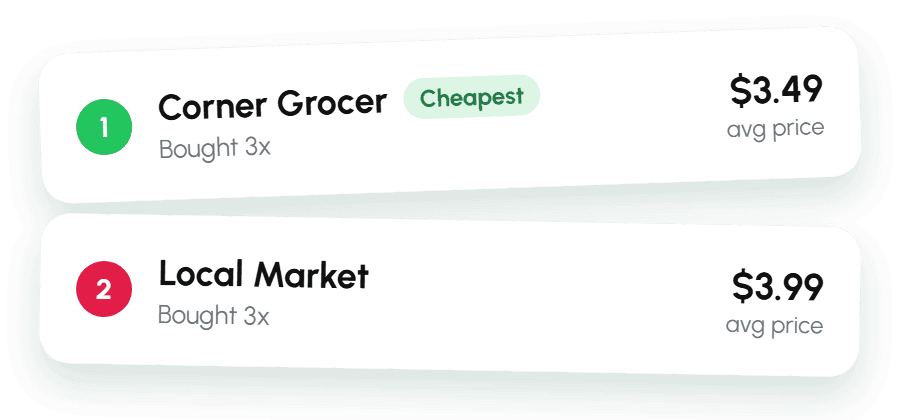
Price Intelligence
Remembers what you paid and shows which store is cheapest, so you spot price creep early.
Spending Insights
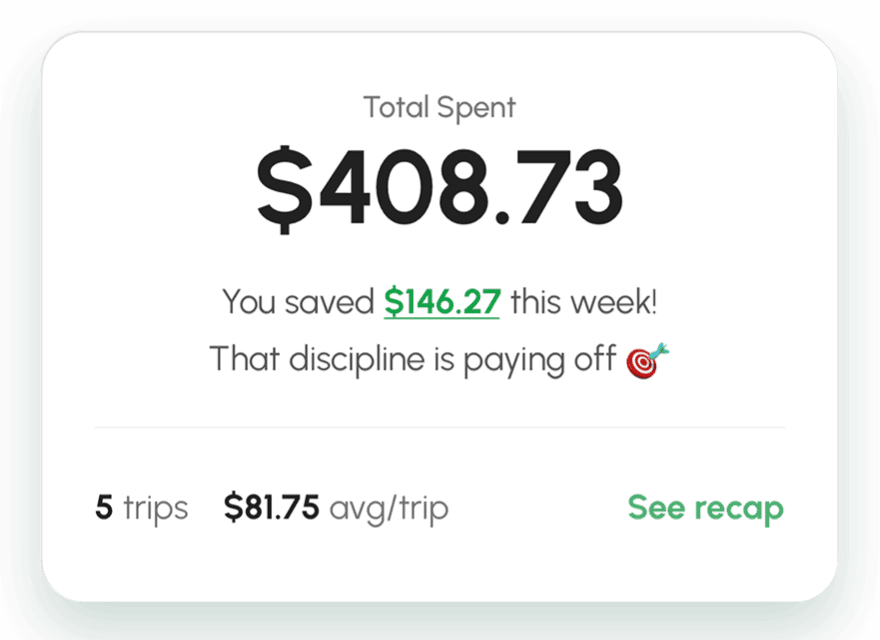
See where your grocery money actually goes, broken down by week, month, store or category. Track your savings over time.
Scan a Label.
Skip the Typing.
Point your camera at any grocery label. AI reads the item name, price, unit, and category in seconds — no barcode, no typing, no manual entry.
Try it with 3 free scans. Premium unlocks unlimited.
Explore grocery price-tag scanning →Already Shopped?
Snap the Receipt.
Photograph your grocery receipt and AI logs the whole trip in one shot — every item, price, and quantity, plus the store and date. Review, tweak anything, save. It all feeds your insights and price memory, no typing required.
Try it with 3 free scans. Premium unlocks unlimited.
Explore grocery receipt scanning →No surprise
at checkout.
Set a budget, add items as they go in the cart, and watch the total move. GroceryBudget remembers what you paid last time, so the next trip starts with real prices.
Start Saving in 3 Steps
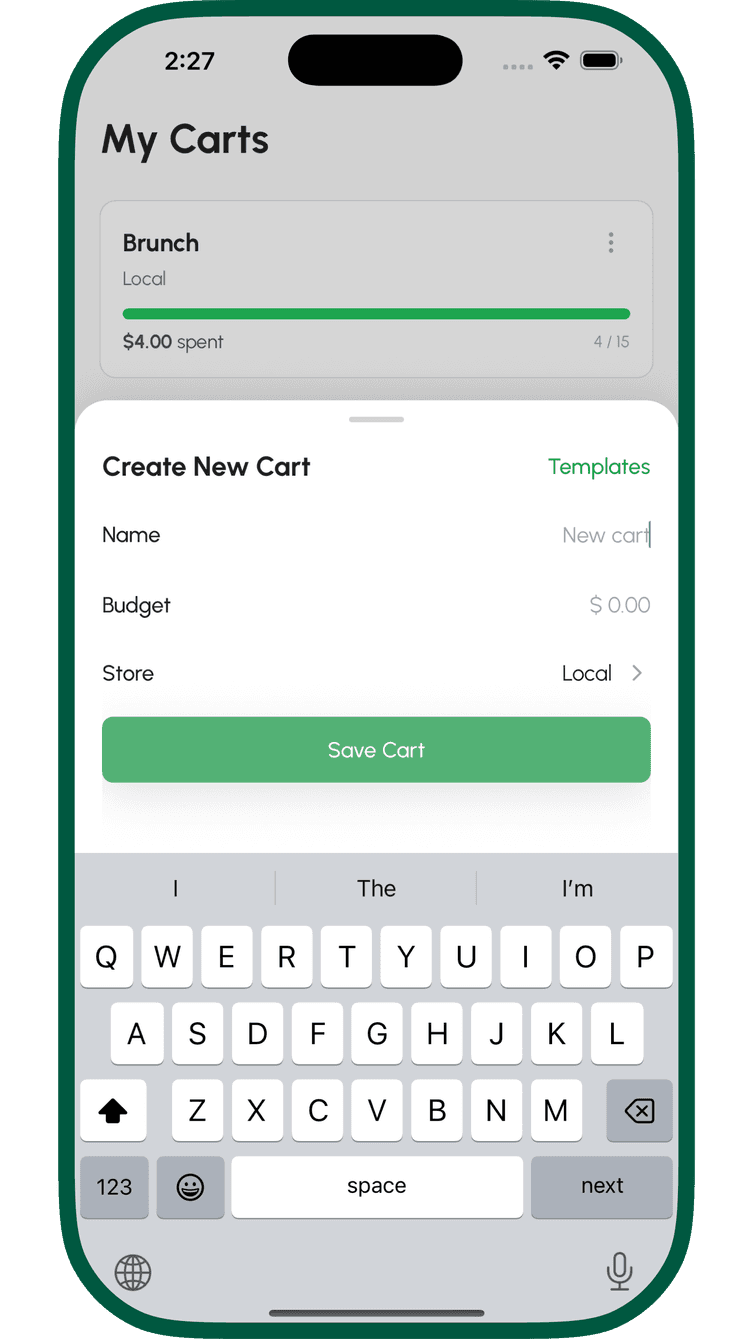
Create a Cart
Set your budget, pick a store, and add items — or use a template.
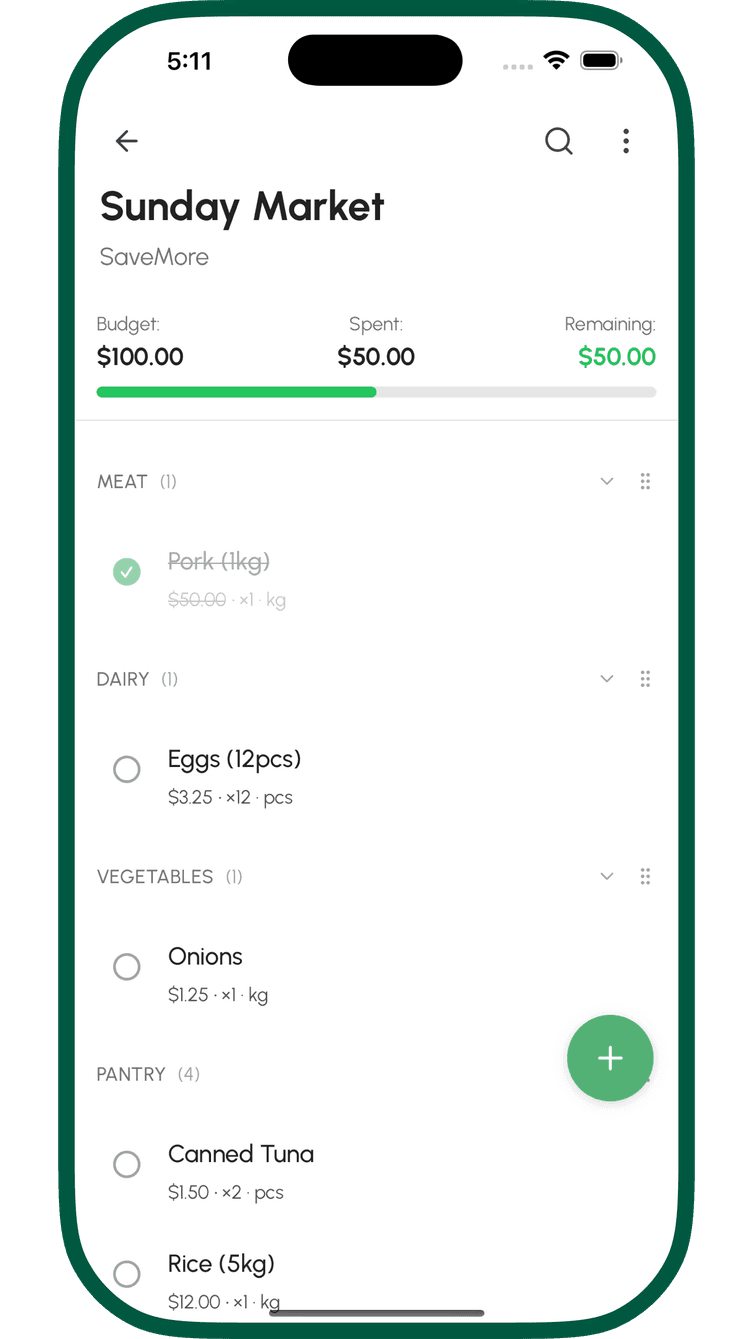
Shop & Check Off
Check items off as you go. Your running total updates in real time.
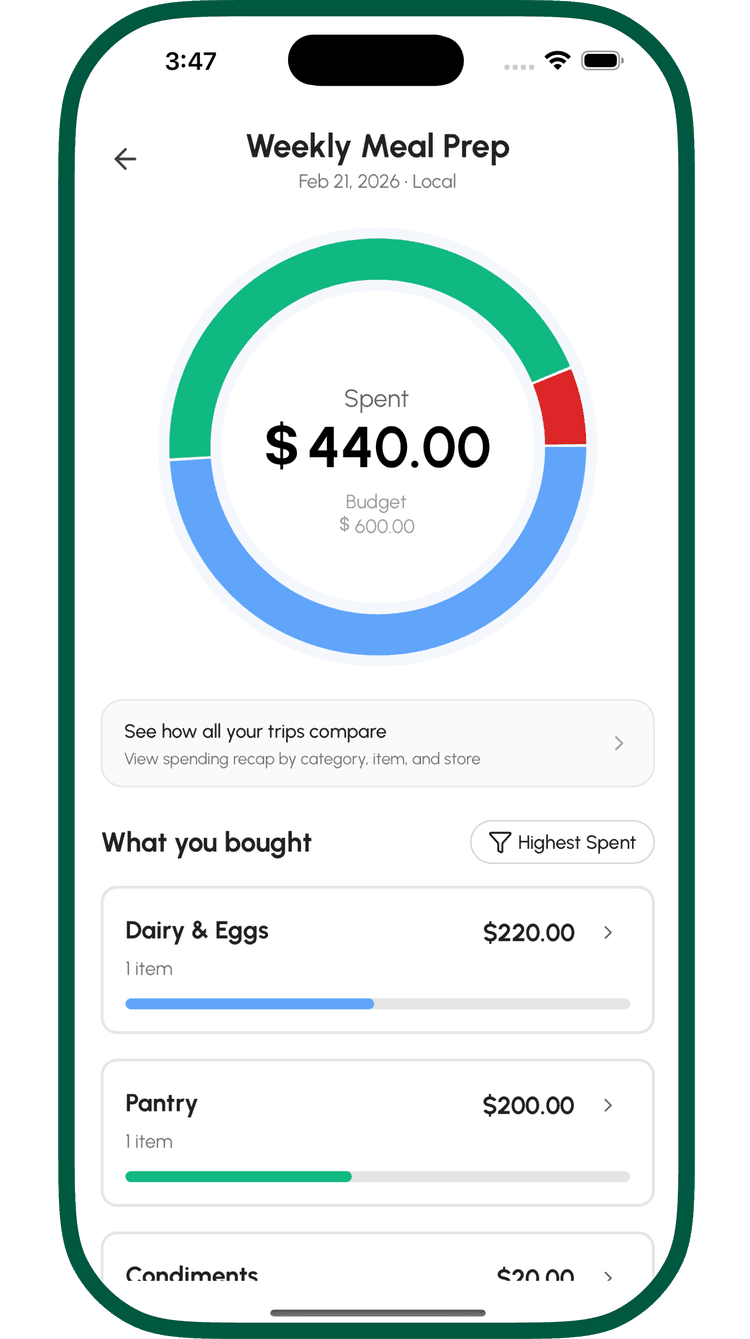
Review Your Trip
See exactly how you spent vs. your budget — broken down by category.
Reviews from GroceryBudget shoppers
Published by real users on the App Store.
“I’ve tested these changes myself, and they work exactly as I hoped.”
Excellent app, and even better developer support.
Glen2470 · App Store · Philippines
“Good thing I got this app and seeing a potential on saving both time and money.”
Amazing app for budgeting and tracking groceries
YellowDuck30 · App Store · Philippines
“Very helpful!”
Amazing App!
Jhunae · App Store · Philippines
“Super love the app, it makes my life easier since I don’t have to go back and forth with my calculator and notes app.”
Love it but it acts up sometimes :(
oliviaaaa___ · App Store · Philippines
Stay in the Loop
Useful product updates and practical grocery-saving guides — sent occasionally.
Start Your Next Trip with a Budget
See the difference on your very first grocery run.